Tesla Powerwall 3 Expansion Pack vs Modular Batteries: Which Is Right for Your Home?
For quite some time now Tesla has been one of the biggest powerhouses in the solar battery world and the Powerwall 3 has lived up to that as it has shown itself to be a reliable, well-integrated battery with many positives. However, the rigidity of the system when it comes to expansion has caused it to struggle to keep up with the way people are buying batteries. More homeowners are now choosing modular systems because they can be tailored more precisely to a home’s specific needs rather than fitting a home around a fixed product.
For existing Powerwall owners, there are two ways to expand: add a Tesla Expansion Pack (more storage only), or add another full Powerwall 3 (more storage and more power). Recent compatibility updates have now made this option available for powerwall 2 owners as well, which is a great step in the right direction for the adability of Tesla’s battery storage system, yet still behind the tailorable capabilities of modular systems such as Sigenergy.
Here at Lenergy we have been installing these different systems for homeowners for years and this has given us insight into which systems work for different situations. This article breaks down how each option works, where each fits, and how to decide what’s right for your home.
What Is the Tesla Powerwall 3 Expansion Pack?
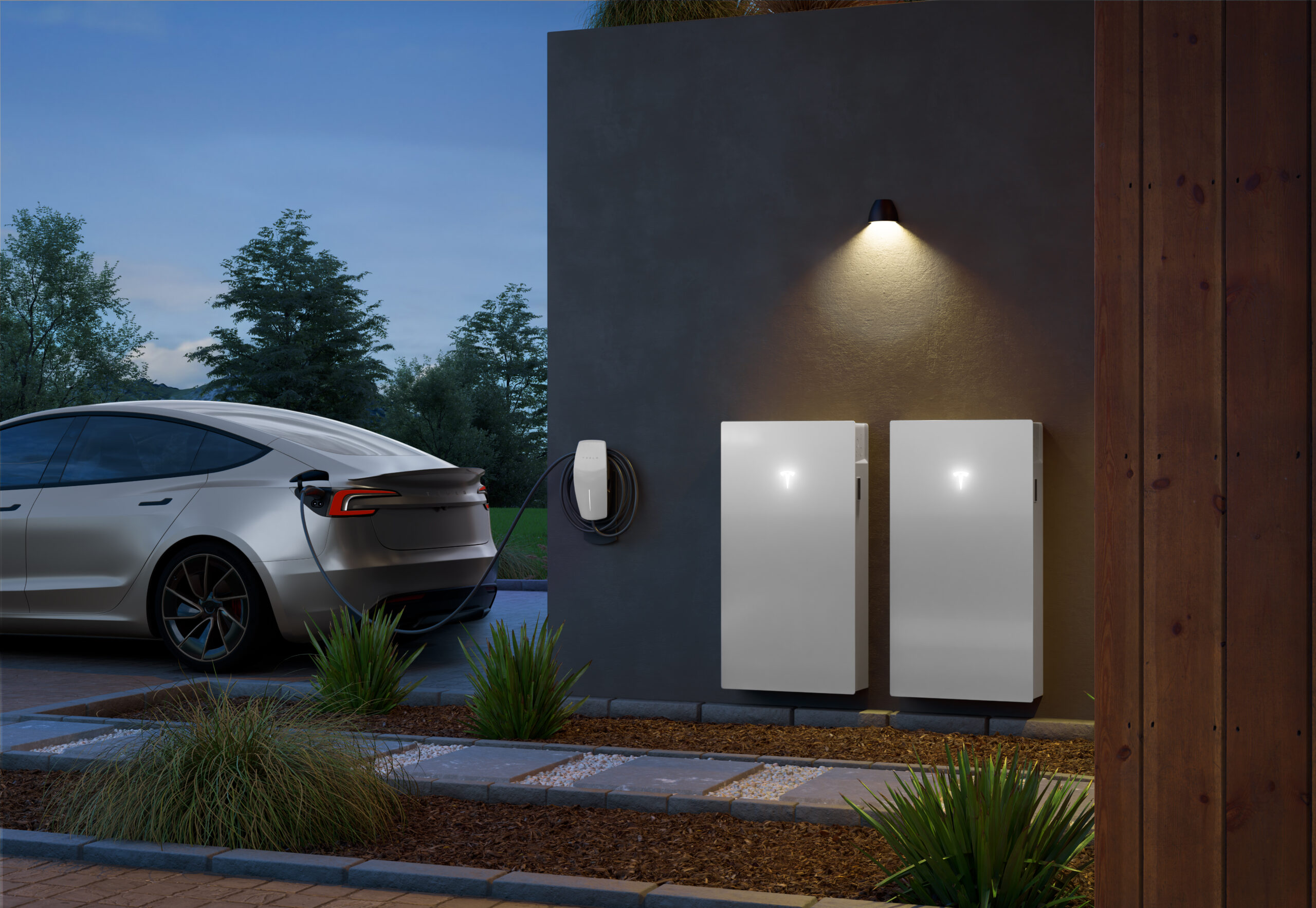
The Expansion Pack is extra battery storage, not a full battery system. A standard Powerwall 3 includes both a 13.5 kWh battery and an integrated inverter that controls power flow. The Expansion Pack strips that back: no inverter, no independent operation. It connects to your existing Powerwall 3 and increases how much energy you can store, up to a total of 54 kWh across four units.
The key detail most people miss is that adding an Expansion Pack does not increase how much power your system can deliver at any one time. The inverter stays the same, so your system will last longer overnight, but it won’t handle larger simultaneous loads.
What If You Have a Powerwall 2?
This is an important special case. Until recently, Powerwall 2 owners had no way to expand their storage, the Powerwall 2 was not compatible with the Powerwall 3 or its Expansion Packs, meaning there was simply no Tesla-approved path to add more capacity.
That has now changed. For full details on what’s possible, see our guide: Tesla Powerwall 3 Compatibility with Powerwall 2 in Australia.
In practical terms, Powerwall 2 owners who want more storage now have two realistic options:
- Add a Powerwall 3 (and Expansion Packs if needed) this is the recommended path for most. Your existing Powerwall 2 continues operating, and the new system adds both storage and inverter capacity alongside it.
- Remove the existing system and install a different battery altogether — this is generally not a good option. Ripping out a functioning Powerwall 2 means writing off a significant asset, and the cost and disruption rarely makes sense unless the system has failed or you have a compelling reason to change platforms entirely.
For most Powerwall 2 owners, the practical takeaway is: stay in the Tesla ecosystem, add a Powerwall 3, and expand from there.
What Are Modular Batteries?
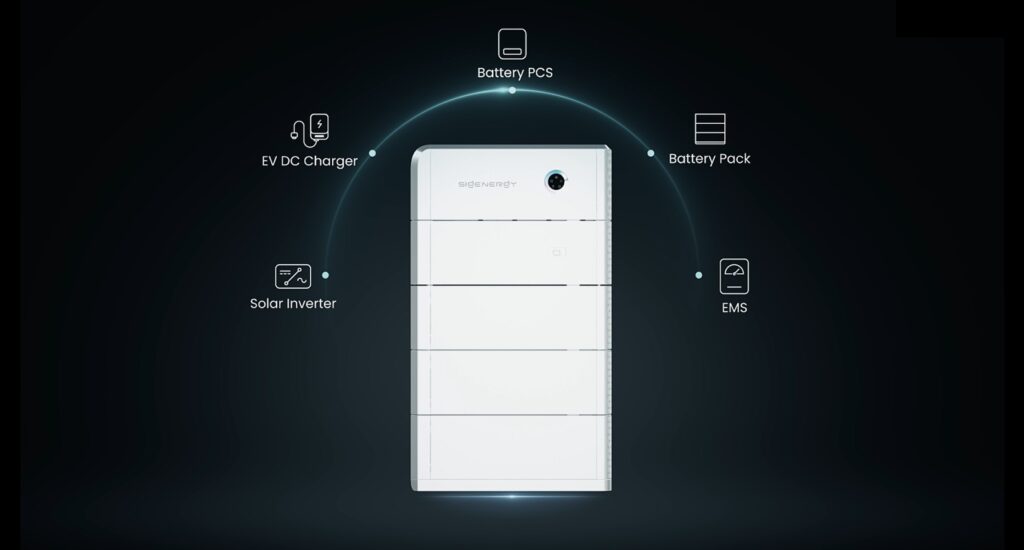
Modular batteries are built using smaller battery modules that stack together to form a complete system. Common examples in Australia include Sungrow, Sigenergy, BYD, Enphase, Alpha ESS, and GoodWe.
The key advantage is scalability. Rather than expanding in fixed 13.5 kWh steps, many modular systems let you add capacity in smaller increments which is useful if your energy needs are likely to grow over time. They’re also typically paired with a separate inverter, which adds configuration flexibility. That’s especially valuable in larger or more complex properties, as discussed below.
Expansion Pack, Second Powerwall, or Modular: What’s the Real Difference?
The most important distinction to understand is the difference between:
- Capacity (kWh) — how long your battery lasts
- Power (kW) — how much it can run at once
Within Tesla’s ecosystem, these two options behave very differently:
- Expansion Pack → bigger fuel tank. You store more energy and run longer, but the system’s power output doesn’t change.
- Second Powerwall 3 → bigger engine and bigger tank. Because you are installing an additional inverter you gain both more storage and more power output, meaning the system can handle higher simultaneous loads, charge faster, and better support large appliances or EV charging.
Modular systems can often scale both storage and power together depending on the inverter configuration, similar to adding a second Powerwall but with more flexibility in how each is sized. They also tend to allow more granular expansion steps, rather than the fixed 13.5 kWh increments of Tesla’s system.
Tesla’s approach trades some of that flexibility for simplicity; one app, one integrated system, and a straightforward upgrade path. For homes with uncomplicated needs, that simplicity has real value. Modular systems give you more configuration options, but that also means more decisions and more reliance on getting the design right upfront.
When the Expansion Pack Makes Sense
The Expansion Pack works best when your system already performs well — it just doesn’t last long enough. That’s common in homes where solar generation is strong during the day but the battery runs out overnight, leaving you importing from the grid in the evening.
For homes with moderate energy use and solar systems, this is often the simplest and most practical upgrade. It keeps everything within one system, avoids unnecessary complexity, and because you’re not increasing inverter capacity, it may avoid triggering additional network approval requirements in some states, though this depends on your specific grid connection and distributor rules.
When a Second Powerwall 3 Makes More Sense
There are situations where an Expansion Pack isn’t enough. Consider a second Powerwall if:
- Your solar system is large and producing more than one inverter can efficiently handle
- You have high-demand circuits like EV chargers or ducted air conditioning
- You want stronger backup capability during outages
- You expect your energy demands to grow significantly
In these cases, the limitation isn’t storage, it’s power. Adding a second Powerwall increases what your system can actually do, not just how long it runs.
When Modular Batteries Are the Better Option
If you’re starting from scratch with no existing battery and no existing ecosystem then modular batteries are often the better fit for most homes. That’s not because the Powerwall 3 is a poor product; it’s because modular systems allow the solar, inverter, and battery to be sized together around your actual usage from day one. Rather than choosing a product and adapting your system to it, you design the system around your home.
Beyond that general case, modular systems are particularly well-suited when:
- You’re installing from scratch and want precise control over sizing and configuration
- Your energy use is likely to grow — EV purchase, home electrification, or general consumption increases
- You have a three-phase home — the Powerwall 3 is a single-phase device, so in the event of a blackout a three-phase home will only have one of its phases backed up. Modular systems with three-phase inverters are designed to distribute load across all phases from a single installation, balancing energy phase-by-phase which allows for the entire home to be protected in the event of a blackout.
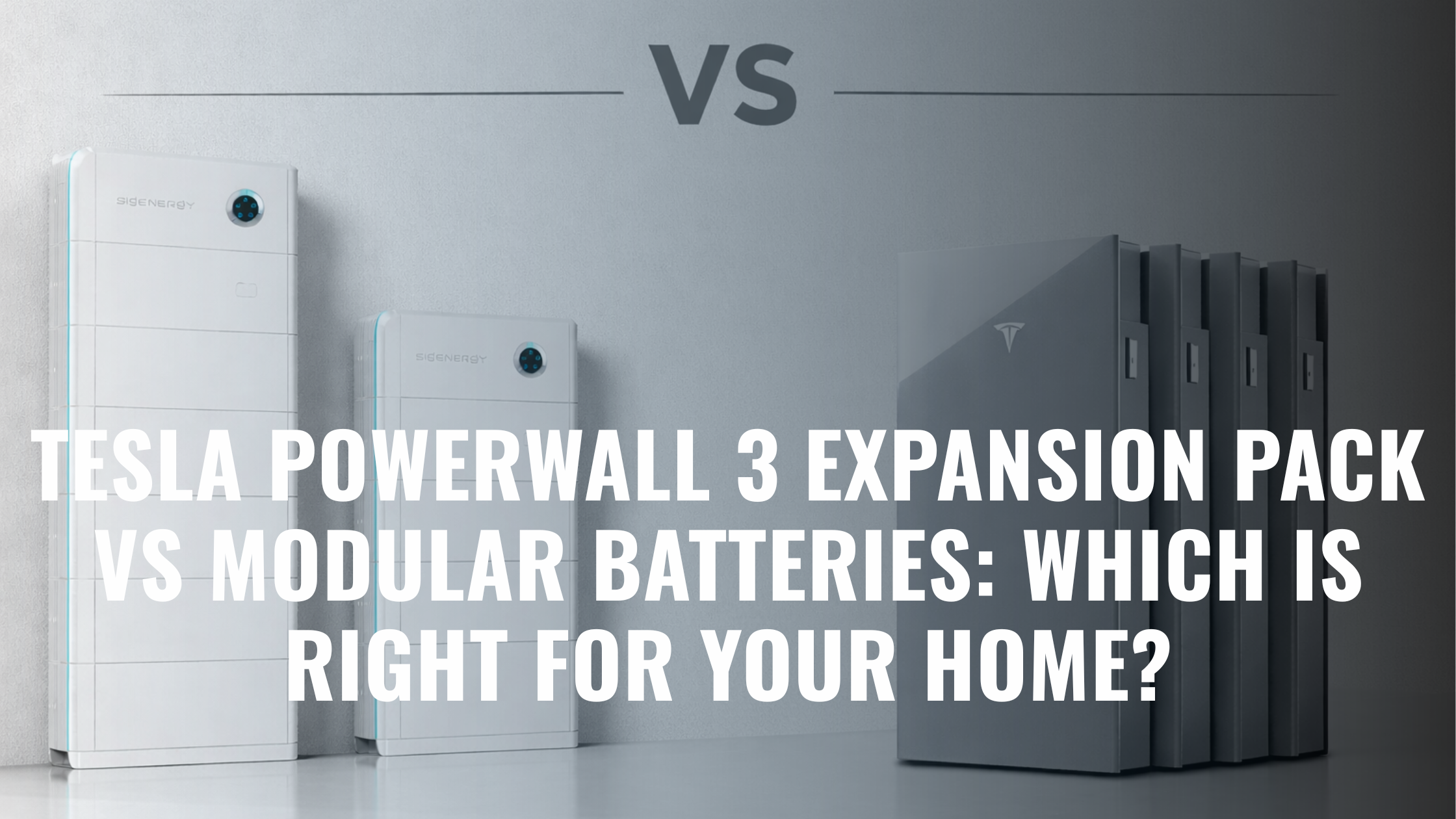
Read more here for a full comparison of the Tesla Powerwall 3 and one of our main modular batteries, the Sigenergy Sigenstor.
Downsides of Each Option
Tesla Expansion Pack:
- Doesn’t increase power output
- Fixed 13.5 kWh increments — hard to size precisely
- Must be installed close to the main unit
- Locks you fully into the Tesla ecosystem
Modular systems:
- More components means more design decisions — and more reliance on the installer getting things right
- Can feel less streamlined — some involve multiple apps or interfaces
- In simpler homes, the added flexibility may not add meaningful value
Which One Is Right for Your Home?
The Powerwall 3 is a great battery. It’s reliable, well-supported, and genuinely suits a lot of homes, particularly those that value simplicity or are already in the Tesla ecosystem. It has also recently extended its The Next Million Powerwall Rebate, which helps offset the coming drop in the federal rebate. However, it’s a fixed product, and not every home fits neatly around it.
Starting from scratch? For most homes, a modular system is worth considering first. It allows the system to be designed around your specific usage rather than the other way around — the right capacity, the right power output, and more flexibility to expand over time. That said, if simplicity matters most and your energy needs are straightforward, the Powerwall 3 remains a solid option.
Already have a Powerwall 3? Stay in the Tesla ecosystem. An Expansion Pack if you need more runtime, a second Powerwall if you need more power.
Have a Powerwall 2? Your best path to more storage is adding a Powerwall 3 — and Expansion Packs if needed — rather than replacing your existing system or switching platforms. See our full Powerwall 2 compatibility guide for details.
The right answer usually becomes clear once you know your actual energy usage and what problem you’re trying to solve. Most homeowners are deciding between adding storage, increasing power output, or getting the initial sizing right — and those are three different problems with three different solutions. Here at Lenergy, we can help with all of these circumstances and advise on the best path forward for your home. Reach out to speak with one of our specialists.

Frequently Asked Questions
I have a Powerwall 2 — can I add more storage?
Until recently, no — the Powerwall 2 was not compatible with the Powerwall 3 or its Expansion Packs, leaving owners with no Tesla-approved way to expand. That has now changed. The recommended path for most Powerwall 2 owners who want more capacity is to add a Powerwall 3 alongside the existing system, with Expansion Packs if additional storage is needed. Removing the Powerwall 2 and switching to a different battery system is generally not recommended, as it means writing off a functioning asset.
Can you add modular batteries to a Tesla Powerwall system?
No. Tesla systems are closed ecosystems. You can only expand them using Tesla Expansion Packs or additional Powerwall units.
Does the Expansion Pack increase power?
No. It increases storage capacity (runtime), not power output. Your system will last longer but can’t run more appliances simultaneously.
Is it better to add an Expansion Pack or another Powerwall 3?
It depends on what you need. If the battery runs out overnight but handles your daytime load fine, an Expansion Pack is usually sufficient. If you’re running large loads simultaneously — EV charging, ducted air conditioning — a second Powerwall adds the power output to match.
Are modular batteries better than Tesla?
Not necessarily. Modular batteries offer more flexibility and are easier to scale in complex or high-demand homes. Tesla offers a simpler, more integrated experience. The right choice depends on your home’s setup and how your energy use is likely to change.
Are modular batteries better for three-phase homes?
Generally yes. The Powerwall 3 is a single-phase device — in a three-phase home, it only covers one phase, a three-phase option has been teased at but there is no exact confirmation on when this will be available. Modular systems with three-phase inverters distribute load across all phases from a single installation, which is typically more efficient and cost-effective in those setups.